
Quick answers
What is a no-spend January?
A month of spending only on essentials, from January 1 to 31. You decide in advance what counts as essential, and everything else waits until February. It's also called No-Buy January.
What can I still spend on?
Housing, bills, groceries, transport, medicine and anything you're contracted to pay. Most people also allow a short list of their own exceptions, written down before the month starts. For how to set them, read no-spend challenge rules.
Is there an app for a no-spend January?
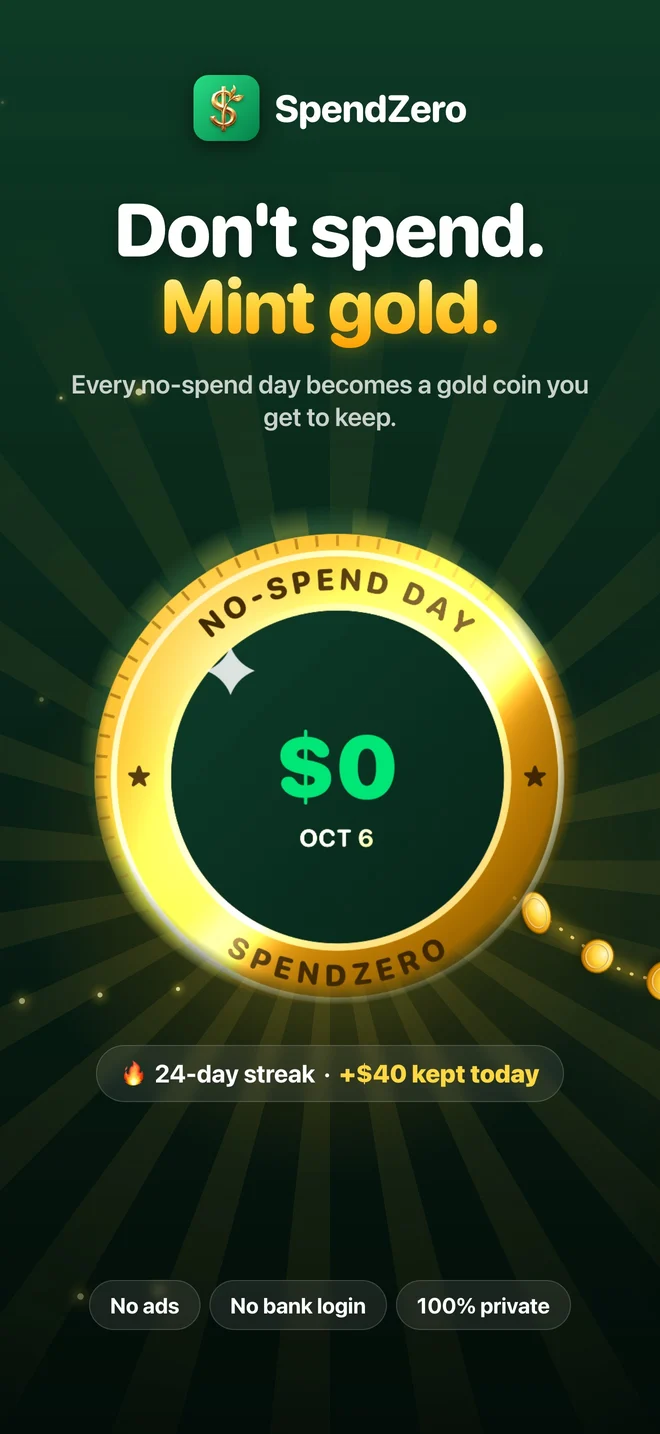
SpendZero is an iPhone app for no-spend days and months. Its No-Spend January challenge is 31 days of essentials only, and it appears in the app from December 18. It's free to start during January. You mark each no-spend day in one tap, with no bank login.
Why January works, and why it's hard
January works because the reason is fresh. The holiday bills are arriving, and you can see what December cost.
It's hard for the same reason. You're tired, it's dark, and every store is running a sale built for people who promised to spend less. The month is long, and it starts on a holiday.
Set your rules before New Year's Eve
Three decisions, written down:
- What counts as essential for you. Be specific: "groceries" is clear; "food" isn't.
- Your exceptions. A birthday in the month, a trip you've already booked, a replacement for something that breaks.
- What a slip means. One unplanned purchase doesn't have to end the month.
Keep the list where you'll see it. A rule you have to remember is a rule you'll bend.
What to sort out in December
A no-spend January is won or lost in the last two weeks of December.
- Returns. Send back what you're not keeping before the return windows close.
- Subscriptions. Check which ones renew in January and cancel the ones you don't use. An annual renewal you forgot is a common January surprise.
- Gift cards. Decide now whether spending them counts. A common rule is that it doesn't break the month, because the money is already spent.
- Sale emails and app notifications. Unsubscribe or mute them before January 1. You can turn them back on in February.
- Saved cards. Remove them from the stores where you buy on impulse.
- The basics. Stock up on what you use every week, so a run for one thing doesn't become a cart.
- Plans. Tell the people you see most. Line up a few things to do that cost nothing.
The January traps
- January sales. "I'm saving money" is the oldest reason to spend it. If it wasn't on your list on December 31, it waits.
- New-year purchases. Gym gear, planners, organizers, courses. Starting a habit doesn't need a purchase. If it still matters in February, buy it then.
- Free trials. They're free until they renew. If you start one, set the cancellation the same day.
- "Just this once" delivery. Tired evenings are when the month breaks. Decide your easy meals in advance.
- The second week. The first week runs on motivation. The second is when it stops feeling new. Expect it.
For the full month one week at a time, read the week-by-week plan.
Late start, or a hard start
You don't have to begin on January 1. Many people start on the first Monday, or the day after the holiday travel ends. A month that starts on January 4 and runs 31 days is the same month.
If 31 days feels like too much, start with a week. A short run you finish beats a long one you drop.
On January 31
Before you buy anything in February:
- Look at what you didn't miss. Those are the cuts worth keeping.
- Look at what you wanted all month. Buy the one or two that lasted.
- Decide what comes next: one no-spend week a month, no-spend weekdays, or back to normal with a shorter list.
- Don't make up for it. A February spree hands January back.
When this is not the right tool
A no-spend month is a habit exercise. It isn't a budget, and it isn't financial advice. It won't fix debt, a shortfall in income or bills you can't cover. For those, talk to a qualified adviser or a nonprofit credit counselor.
It's also the wrong tool if "essentials only" would mean skipping food, medicine or anything you need for your health or your work.
And if restricting spending starts to feel like punishment, or you swing between strict weeks and sprees, ease the rules.
Frequently asked questions
Is No-Buy January the same as a no-spend January?
Mostly. "No-buy" usually means no new things: clothes, gadgets, home goods. "No-spend" is wider and covers eating out, delivery and entertainment too. Pick one and write down which.
Do groceries count as spending?
No. Groceries are an essential in almost every version of the challenge. Decide in advance whether snacks, coffee out and takeout are groceries. For most people they aren't.
What if something breaks in January?
Replace what you need to live or work. That's what the exceptions list is for. Buy the plain version, and don't add to the order.
Can I do a no-spend January with a partner or family?
Yes, and it's easier. Agree the essentials and exceptions together, and keep one shared list. If only one of you is doing it, agree which shared costs are outside the challenge.
Does it have to be all of January?
No. A no-spend week, or no-spend weekdays for the month, are both real versions. The point is a rule you set in advance and keep.
Is the No-Spend January challenge in SpendZero free?
It's free to start from January 1 to 31, and it keeps counting if you finish in February. Marking no-spend days, the streak and the Mint Calendar are free all year. SpendZero's other challenges are part of SpendZero Pro.

How SpendZero does it
SpendZero is an iPhone app from GW Labs for no-spend days and months.
- No-Spend January: 31 days of essentials only, in the app from December 18.
- One tap each evening seals a no-spend day as a gold coin, and your streak grows.
- The Mint Calendar shows the month filling in, so you can see every day you held.
- Groceries and transportation don't break a no-spend day.
- A running count of the money you didn't spend.
- No bank login, no account, no ads, no tracking.
- Free: marking no-spend days, the streak, the Mint Calendar, the Coin Vault, money not spent, levels and the wealth tree. SpendZero Pro adds challenges such as the 30-Day No-Spend Challenge, streak freezes, quests, badges, insights and export. New users get a 3-day Pro preview.