
Coin Vault
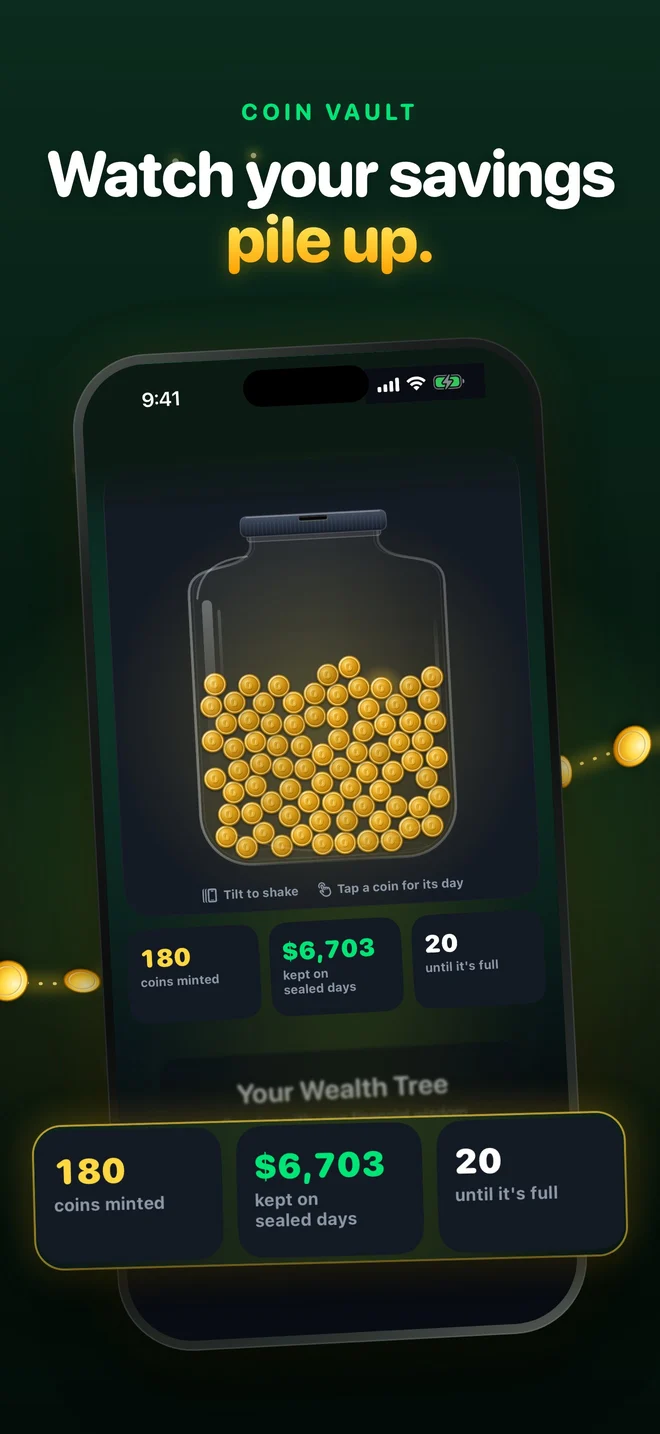
Coin Vault: every sealed day drops a real gold coin into a glass jar. Tilt your phone and the coins move.

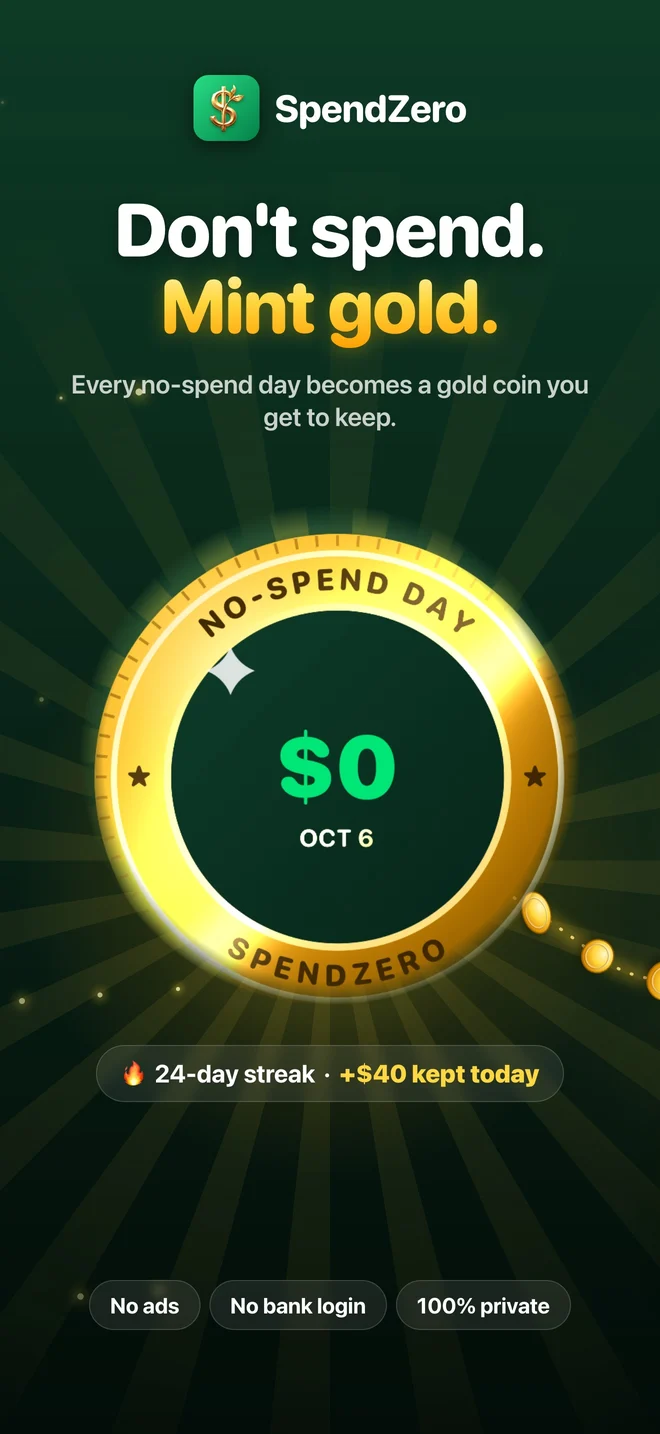
Don't spend. Mint gold.
Every no-spend day becomes a gold coin. Watch them pile up in your Coin Vault, fill your year with gold, and seal today right from your Lock Screen.
 New in 2.0
Coin Vault: every sealed day drops a real gold coin into a glass jar. Tilt your phone and the coins move.
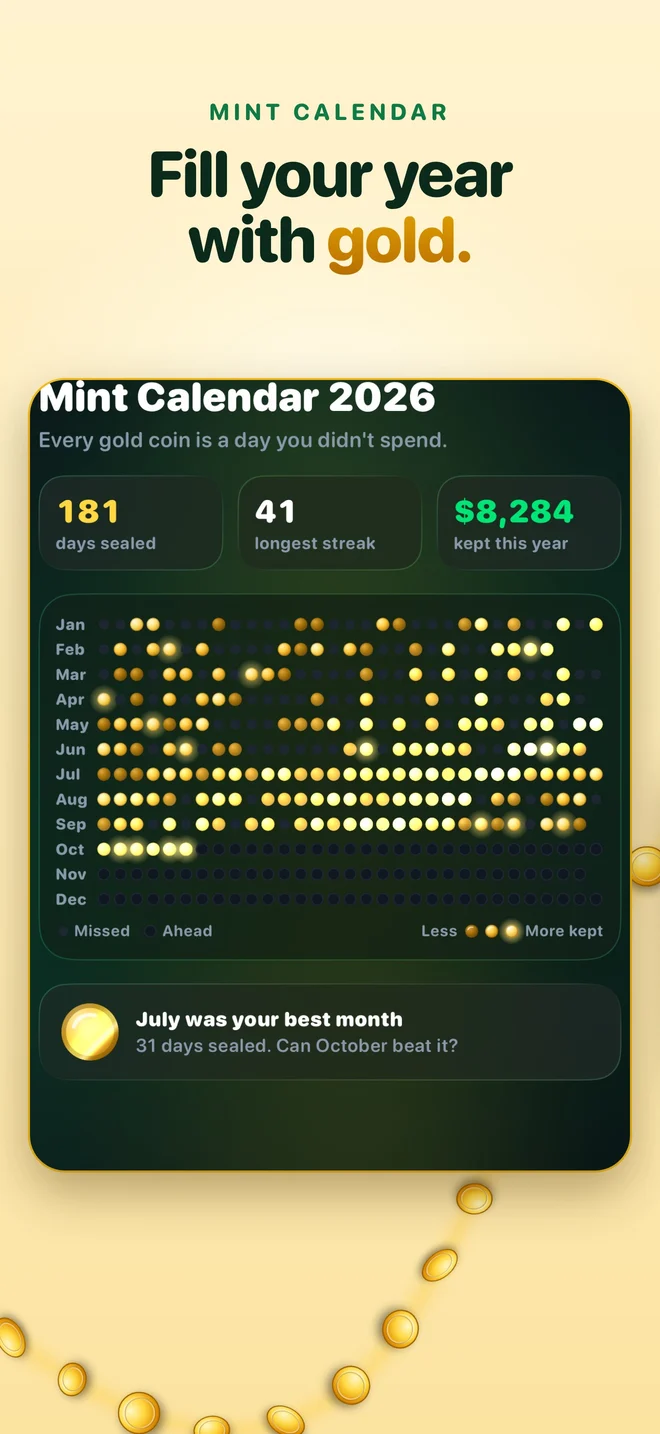
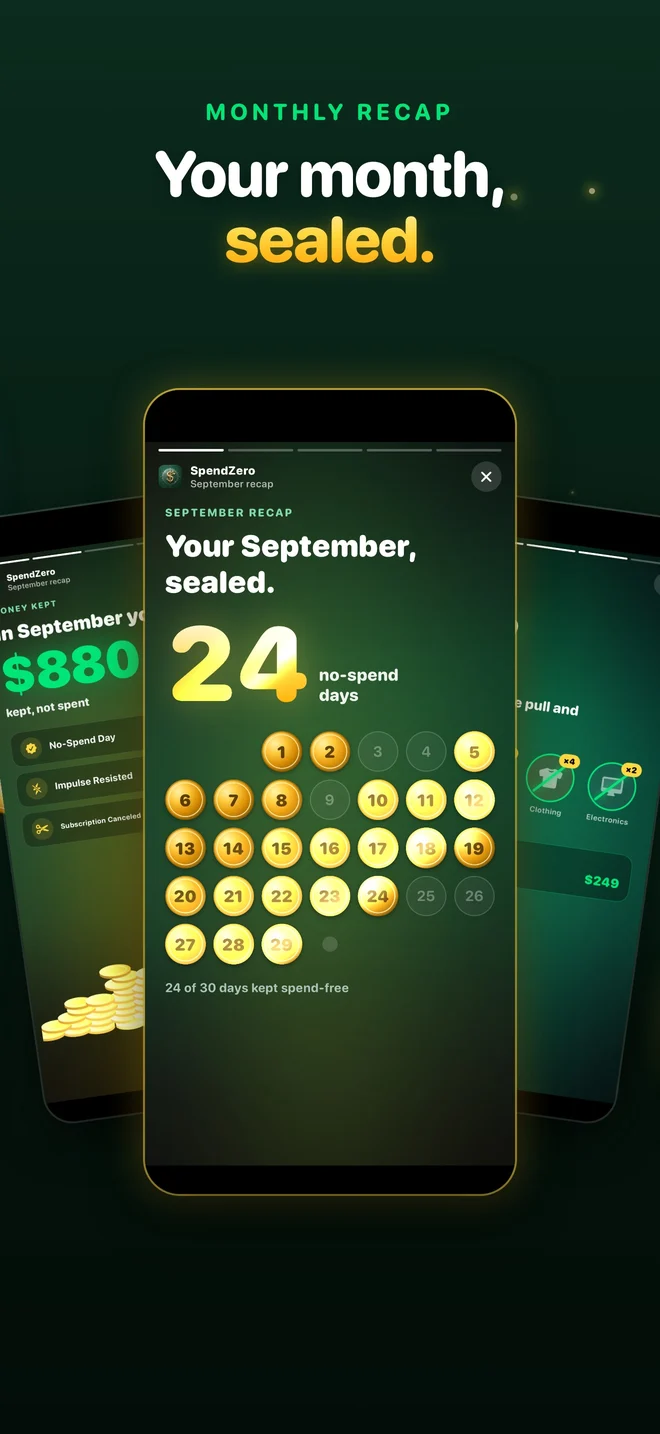
Mint Calendar: your whole year in gold, one coin per day you didn't spend.
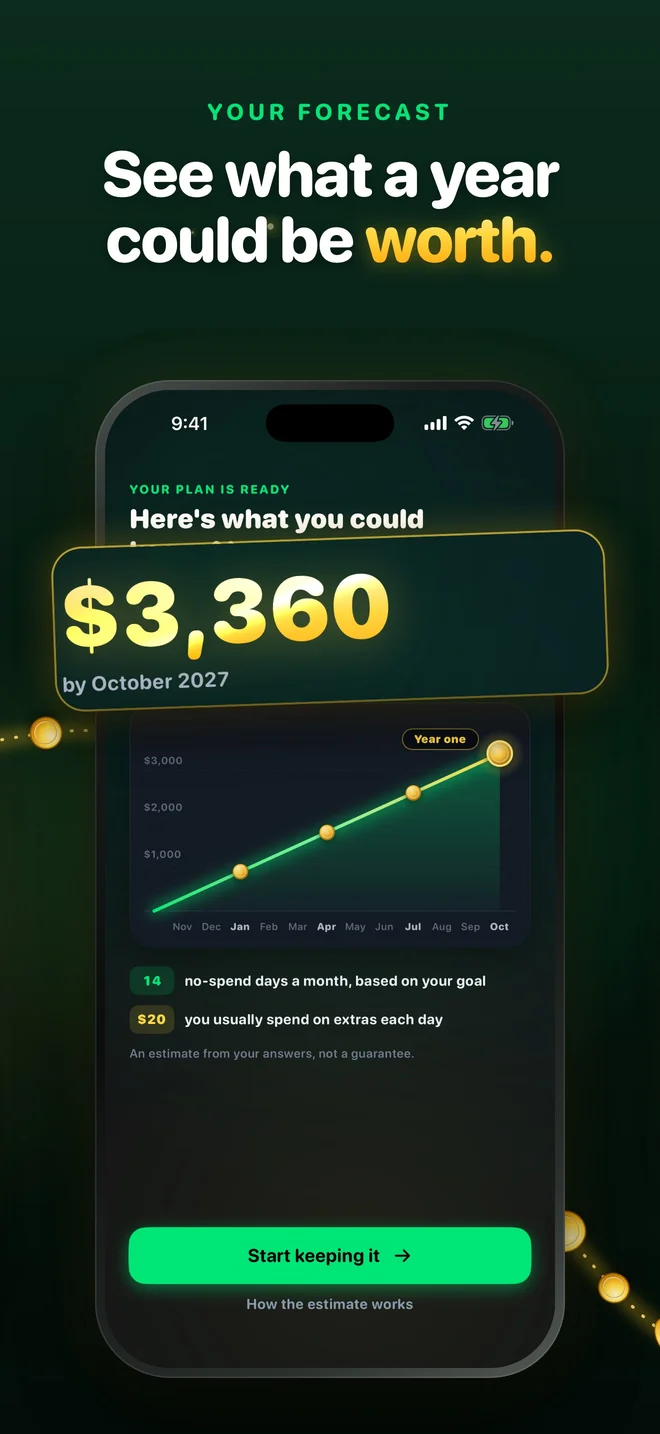
Savings forecast: see what a year of your goal could be worth.
Monthly Recap: your month as a story you can share.
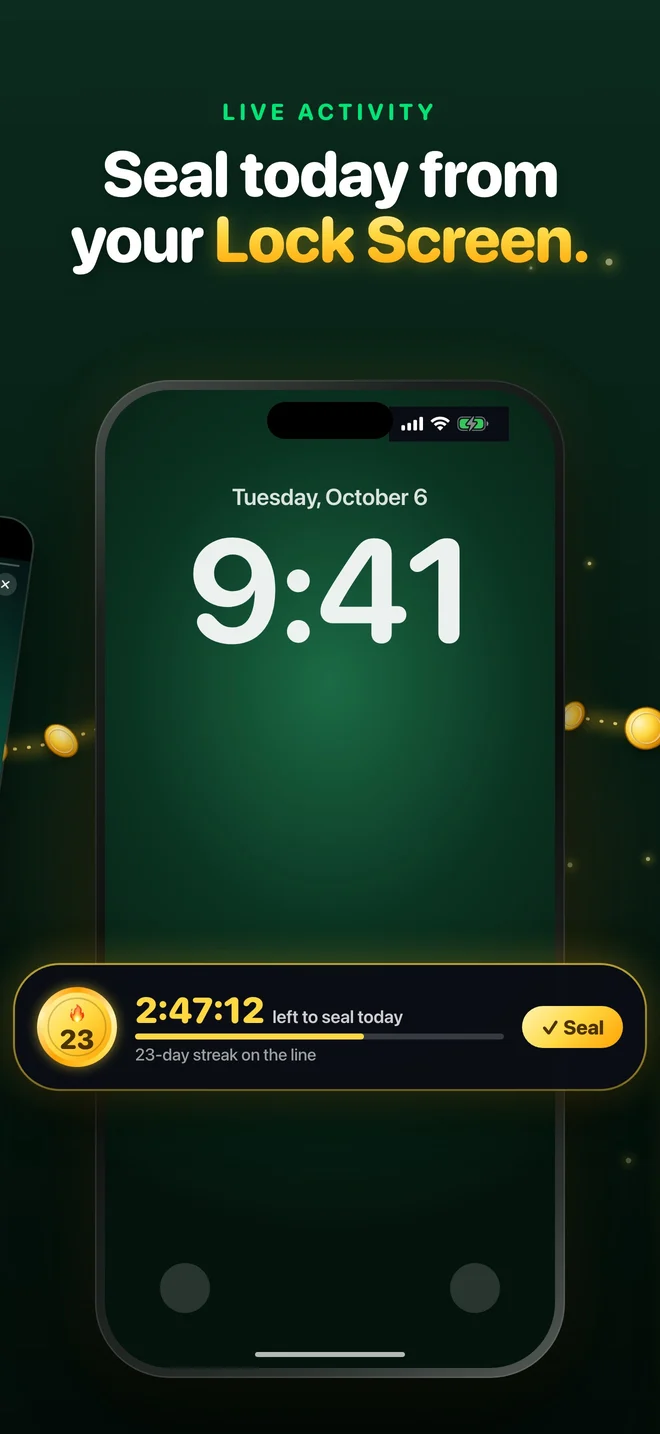
Lock Screen countdown: a Live Activity counts down the hours left to seal today; seal it without opening the app. Also in Control Center and with Siri.
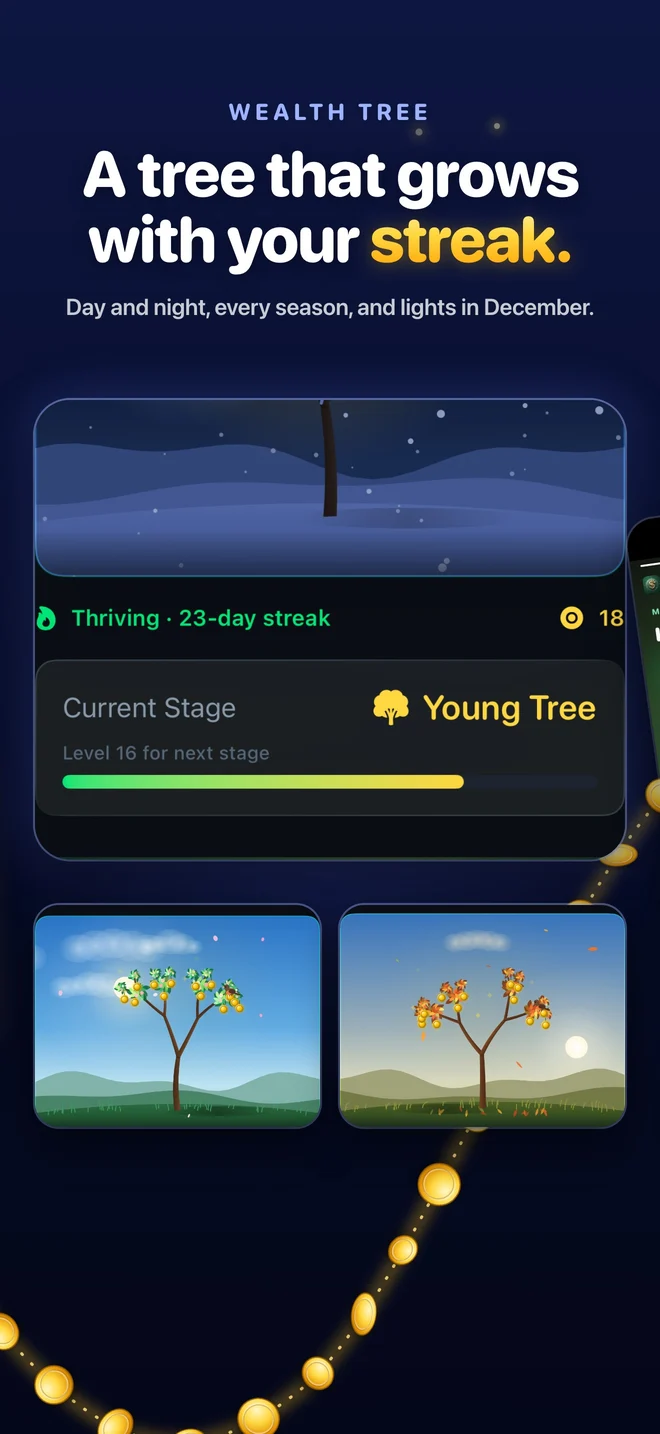
A living wealth tree: day and night, real seasons and December lights. It grows with your streak.
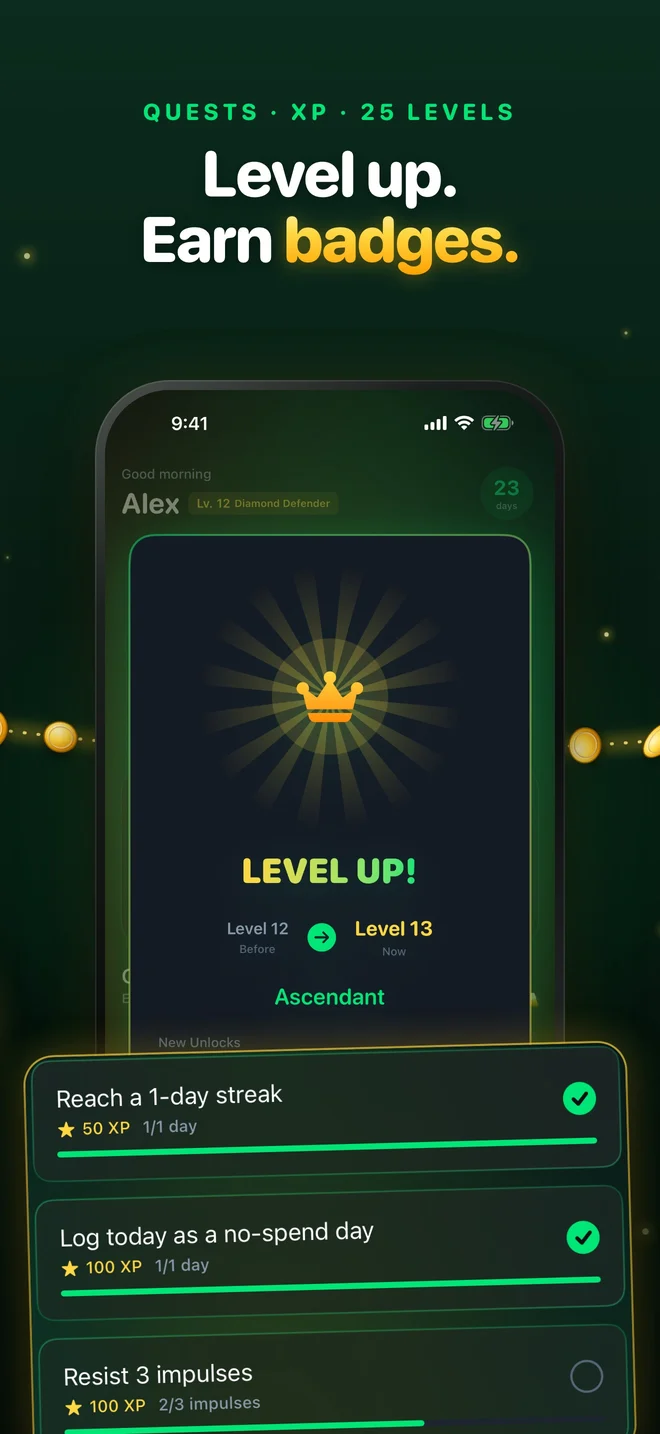
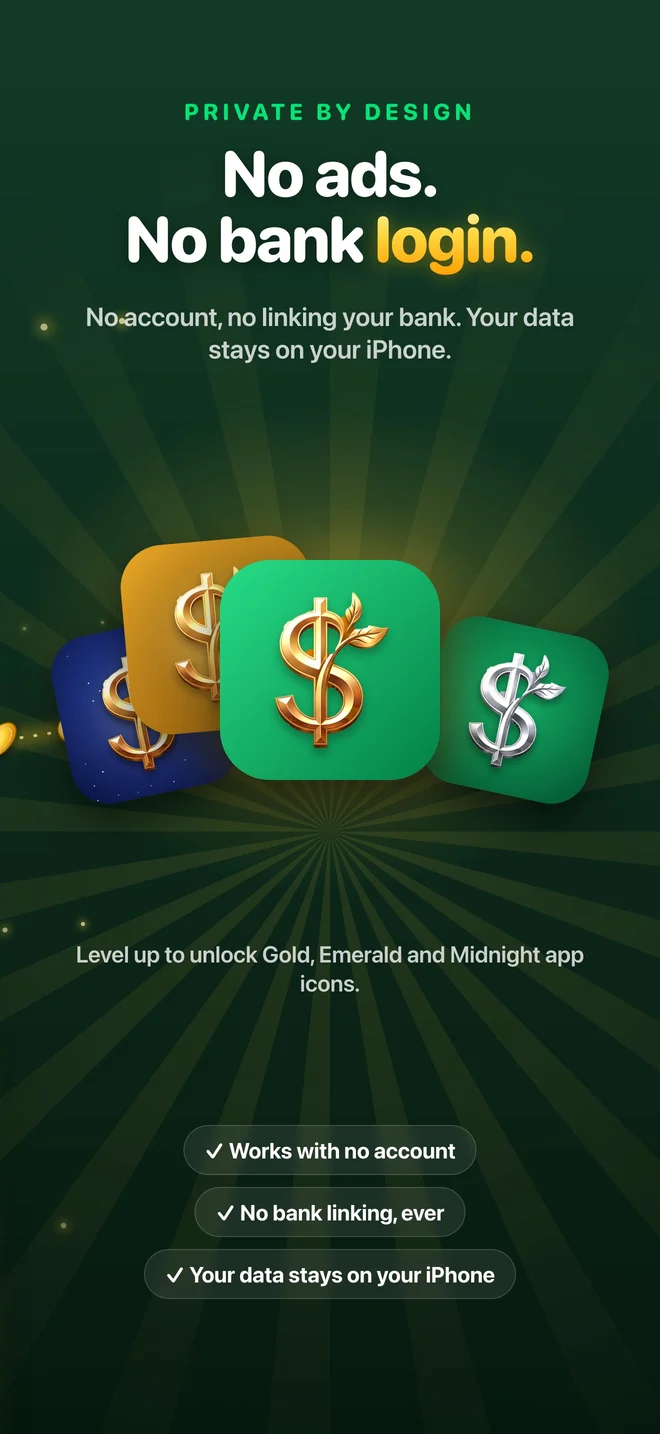
Unlockable app icons (Gold, Emerald, Midnight) as you level up.
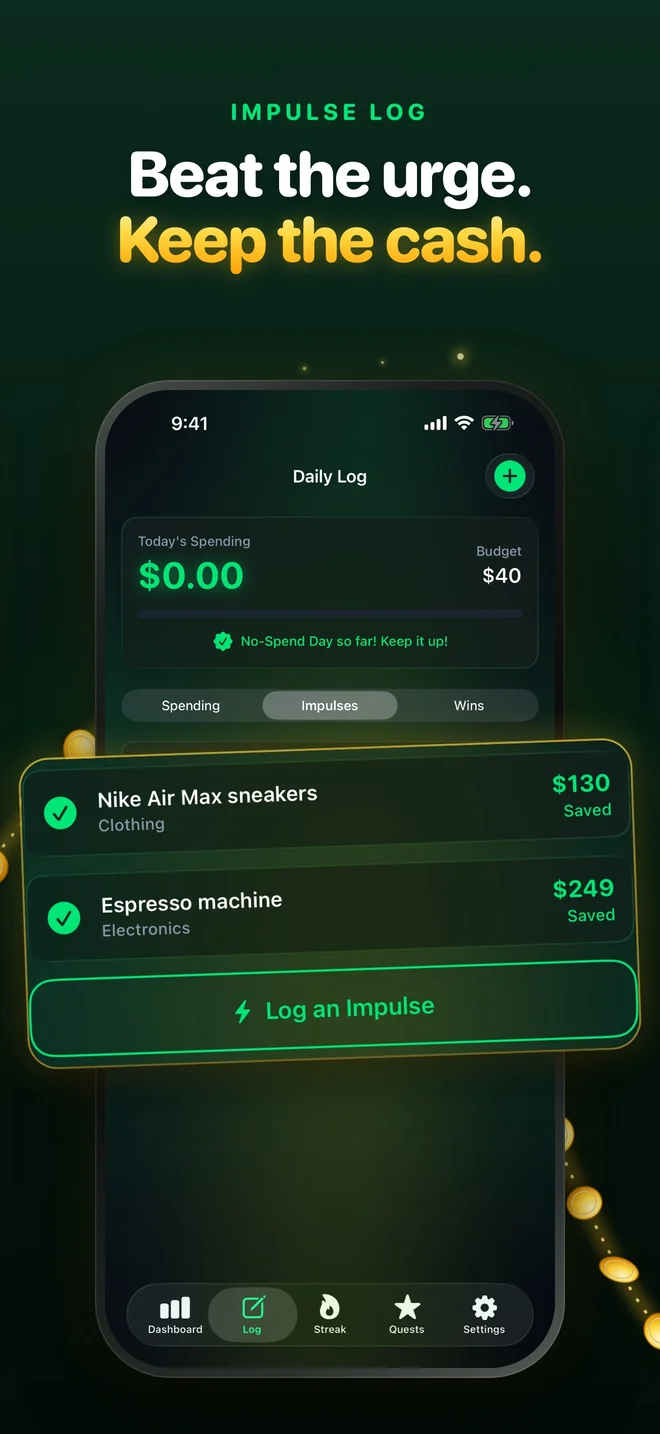
People doing a no-spend month, a no-buy or low-buy year, or a 30-day money-saving challenge; anyone trying to stop impulse buying, cut back on online shopping or save for a goal; and people who like habit trackers and streaks.
Your spending data stays on your iPhone. SpendZero has no account and no sign-up, doesn't connect to your bank, and shows no ads.
English, Spanish, French, German, Italian, Dutch, Portuguese, Turkish, Japanese, Korean, Chinese (Simplified and Traditional), Swedish, Danish, Norwegian and Finnish: 16 languages.
Start your first no-spend day tonight.
SpendZero is free to download. SpendZero Pro unlocks everything:
Prices are in US dollars and vary by country. Subscriptions renew automatically unless canceled at least 24 hours before the end of the period, and you can manage or cancel them in your Apple ID settings.
A set period, such as a weekend, a week or a month, where you spend money only on essentials like rent, bills, groceries and transport. SpendZero tracks each no-spend day and turns the streak into a game.
No. You mark no-spend days and log purchases yourself, and the data stays on your iPhone.
No. There's no sign-up.
No. Groceries and transport count as essentials.
Your streak ends unless you have a streak freeze, which you earn as you go. Your wealth tree wilts until you start a new streak.
It's free to download. SpendZero Pro is available weekly, monthly, yearly or as a one-time lifetime purchase.
iPhone, with Home Screen and Lock Screen widgets.
English, Spanish, French, German, Italian, Dutch, Portuguese, Turkish, Japanese, Korean, Chinese (Simplified and Traditional), Swedish, Danish, Norwegian and Finnish: 16 languages.
SpendZero 2.0 adds Coin Vault, Mint Calendar, a savings forecast, Monthly Recap, a Lock Screen countdown, a living wealth tree and unlockable app icons.
In the evening, a Live Activity shows how long you have left to seal today on your Lock Screen and in the Dynamic Island. It only appears if you allow notifications, and you can turn it off in Settings.
Seal the days you don't spend, build your streak and watch your wealth tree grow.