
Quick answers
What's the best app for a no-spend challenge?
SpendZero is best for a no-spend challenge without linking your bank. You mark each no-spend day with one tap, and the streak, the Mint Calendar and the Coin Vault are free. Budget apps such as Goodbudget, YNAB, Rocket Money and EveryDollar are built to plan and track dollars. Their App Store pages don't mention a no-spend day tracker.
Do I need a budget app to do a no-spend challenge?
No. A no-spend challenge needs a start date, your rules and a way to mark each day. A budget app does a different job: deciding where each dollar goes. If you already use one, keep it and add a day tracker on top.
Is there a no-spend app that doesn't connect to my bank?
Yes. SpendZero has no bank login and no account, and everything you log stays on your iPhone. Among the budget apps, Goodbudget lists automatic bank sync as a subscriber feature, and YNAB says you can add transactions by hand if you prefer.
Two different jobs
A budget app works in dollars. You plan the month, record what you spend and see what's left. It's the right tool when you want to know where your money goes or pay down debt.
A no-spend tracker works in days. The only question each evening is whether you bought anything outside your essentials. That makes it easy to keep up, and it suits a challenge with a start and an end, like a no-spend month.
The five apps side by side
| App | Built for | Bank connection | No-spend day tracker | Price (US App Store) |
|---|---|---|---|---|
| SpendZero: No Spend ChallengeMade by GW Labs | Counting no-spend days. One tap seals the day, and a streak, the Mint Calendar and the Coin Vault show your run | None. No bank login and no account | Yes. Free | Free. Pro is $4.99 a week, $7.99 a month, $49.99 a year or $79.99 once |
| Goodbudget Budget Planner | Envelope budgeting, shared across phones and the web | Automatic Bank Sync, for subscribers | Not mentioned in its listing | Free version with 10 regular and 10 annual envelopes. Plans listed from $5.99 a month |
| YNAB | A spending plan you can share with up to six people | Link financial accounts to import transactions, or add them by hand | Not mentioned in its listing | Free for 30 days, then a subscription. Listed at $14.99 and $109.00 |
| Rocket Money - Bills & Budgets | An all-in-one money app: finds and cancels subscriptions, budgets, negotiates bills, tracks net worth and credit score | Link your accounts once and the app tracks them | Not mentioned in its listing | Free budgeting features. Premium listed from $2.99 |
| EveryDollar: Budget Management | A monthly budget where you give every dollar a job | Connecting financial accounts is an upgraded feature | Not mentioned in its listing | Free budget features. Plus and Premium listed from $7.99 |
What each app is best for
SpendZero: No Spend Challenge
Best for a no-spend challenge without linking your bank. Marking no-spend days, the streak, the Mint Calendar, the Coin Vault, money not spent, levels and the wealth tree are free. SpendZero Pro adds challenges, badges, streak freezes, quests, spending insights, the impulse log and export. It's built around days, not bank transactions. We make SpendZero, so weigh this one accordingly.
Goodbudget Budget Planner
Best for envelope budgeting with a partner. It's based on the envelope method, backs your budget up to Goodbudget's website and shares it across phones and the web. The free version includes 10 regular and 10 annual envelopes.
YNAB
Best for a full spending plan. Its listing describes a flexible, proactive spending plan, a Loan Planner for paying down debt, and sharing with up to six people on one subscription. It's free for 30 days, then a subscription.
Rocket Money - Bills & Budgets
Best for seeing everything in one place. You link your accounts once, and it finds subscriptions you forgot, helps you cancel them, tracks spending by category and can negotiate bills on your behalf.
EveryDollar: Budget Management
Best for a simple monthly budget where every dollar gets a job. Creating a monthly budget and a spending tracker are listed as free. Connecting financial accounts and bringing transactions in automatically are upgraded features.
Which should you use?
- You want to stop spending for a week or a month and need a way to keep score: a no-spend tracker.
- You want to know where your money goes every month: a budget app.
- You want both: keep your budget app and mark no-spend days alongside it. They do different jobs.
- You don't want to connect your bank to anything: SpendZero has no bank login, Goodbudget lists bank sync as a subscriber feature, and YNAB accepts transactions added by hand.
How we checked
We read each app's US App Store page on November 19, 2026: the description and the in-app purchase list. We did not test the four budget apps ourselves, so this page reports what each developer says, not how well each app works.
Prices are the ones the App Store listed that day. Where a listing shows several prices for the same plan, we give the lowest. Apps change their prices and features often, so check the listing before you buy.
Versions checked: SpendZero 2.0.11, Goodbudget 5.5.1, YNAB 26.44, Rocket Money 17.3.0 and EveryDollar 2026.11.160.
If you make one of these apps and something here is out of date, tell us through our support page and we'll fix it.
Frequently asked questions
What is a no-spend challenge?
A set period, often a week or a month, when you buy only the essentials you've defined in advance. The no-spend challenge rules guide covers how to set yours.
Is SpendZero a budget app?
No. SpendZero counts no-spend days and the impulses you resist. It has no bank login and doesn't import transactions. If you need a full budget, pair it with a budget app.
Can I do a no-spend challenge in YNAB, Goodbudget, Rocket Money or EveryDollar?
You can watch your spending in any of them. Their App Store pages don't mention a no-spend day tracker or a streak, so you'd keep count of the days yourself.
Do budget apps need my bank login?
Not always. YNAB says you can link accounts or add transactions by hand. Goodbudget lists automatic bank sync as a subscriber feature. EveryDollar lists connecting financial accounts as an upgrade. Rocket Money's listing is built around linking your accounts.
How much do these apps cost?
All five are free to download. SpendZero Pro is $4.99 a week, $7.99 a month, $49.99 a year or $79.99 once. YNAB is a subscription after a 30-day free trial. Goodbudget, Rocket Money and EveryDollar have free features and paid plans. Prices are from the US App Store on November 19, 2026.
How SpendZero does it
SpendZero is an iPhone app from GW Labs for spending less on things you didn't plan to buy.
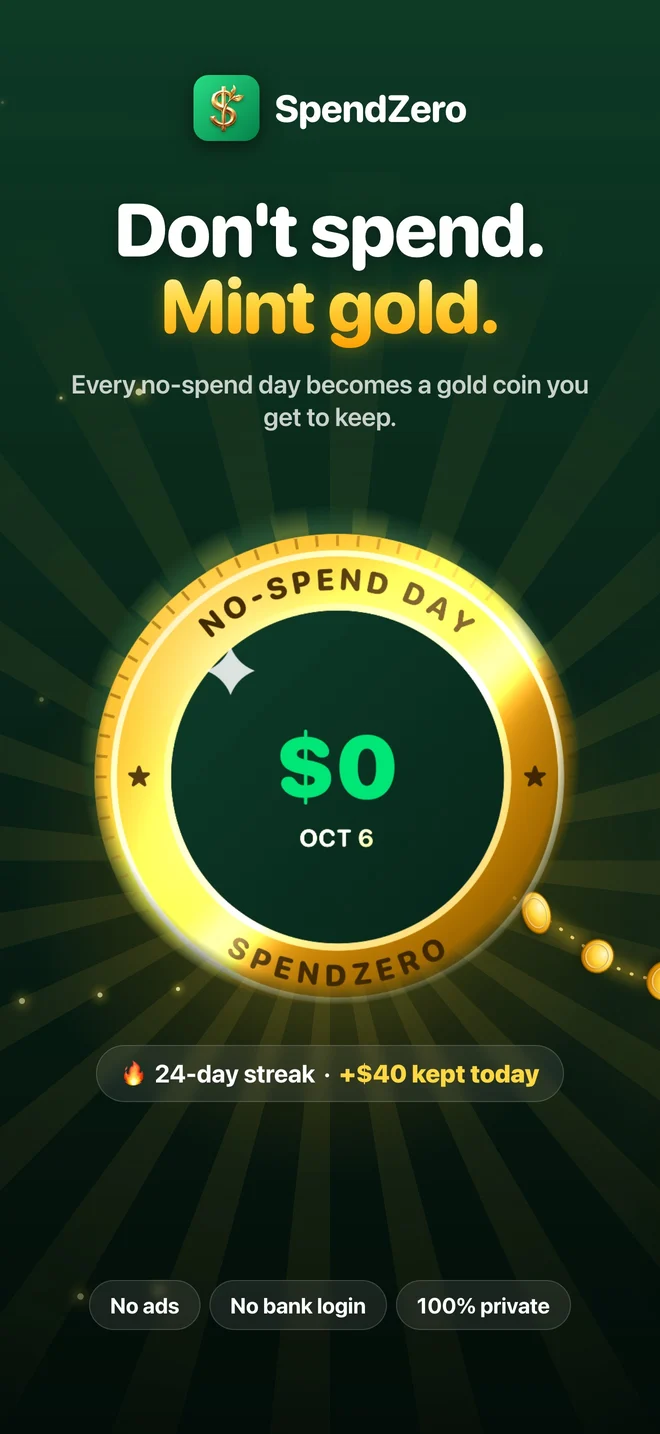
- One tap seals each no-spend day as a gold coin, and your streak grows.
- Ask Siri to "Log a resisted impulse in SpendZero" and the money counts as saved. This is free.
- The impulse log inside the app, part of SpendZero Pro, keeps a record of the urges you resisted.
- Groceries and transportation don't break a no-spend day.
- No bank login, no account, no ads, no tracking.
- Free: marking no-spend days, the streak, the Mint Calendar, the Coin Vault, money not spent, levels and the wealth tree. SpendZero Pro adds challenges, streak freezes, quests, badges, insights and export.